SRA / ENA
Find run, sample or project accessions. Import ENA-hosted single-end or paired-end FASTQ reads with source metadata.
Samples. Analysis. Data submission.
A modern sequencing workspace with analysis and data submission. For researchers, research groups and the facilities that support them.
01 / The connected workflow
Collect the context. Run the analysis. Share the data. Usually that means three tools; in ResearchDesk the three sit together, so each step builds on the last.
Follow the connections
Sample intake + metadata
Collect sample information in structured forms. Keep studies, files and metadata together from the beginning.
Collect / Ways into Flow
Public reads, benchmark datasets or a new sequencing request. Bring the source information along with the files.
Find run, sample or project accessions. Import ENA-hosted single-end or paired-end FASTQ reads with source metadata.
CAMI II Marine and CAMI III toy human gut. Import short or long reads with benchmark metadata and citations.
Create a sequencing request, collect sample metadata and choose from the technologies configured by your facility.
MiSeq · NextSeq 1000/2000 · NovaSeq X Series · iSeq 100
MinION · GridION · PromethION · Flongle
Revio · Sequel IIe · Vega
DNBSEQ-T7 · Other / custom devices
Catalogue options for facility configuration. Available instruments depend on your facility; pipeline compatibility depends on read type and workflow.
Analyse / The pipeline catalogue
Packaged workflows for analysis, quality control and data preparation. Install the workflows your research needs. Open a pipeline to explore its inputs, steps and outputs.
Metagenome assembly, binning, and QC in one workflow.
reads-qcCompute per-sample FASTQ statistics and an HTML quality overview.
nf-core/detaxizerScreen raw or unknown order reads for human and other contaminant sequences.
fastqcRun FastQC quality control on linked FASTQ files in an order.
fastq-checksumCompute MD5 checksums for linked FASTQ files in an order.
simulate-readsGenerate synthetic FASTQ reads for testing workflows.
submgPrepare and submit reads, assemblies, and bins to ENA.
Seven public workflows in the current catalogue. MetaxPath is separately available with private access. Each workflow has its own input requirements.
Browse the pipeline catalogue ↗Share / Beyond the workspace
Explain the analysis in a report, or prepare sequencing data for a public archive.
Bring text, figures and tables together. Share a report link or export an HTML document.
Use submg to prepare and submit reads, assemblies and bins with their metadata.
Explore submg ↗02 / Take a look around
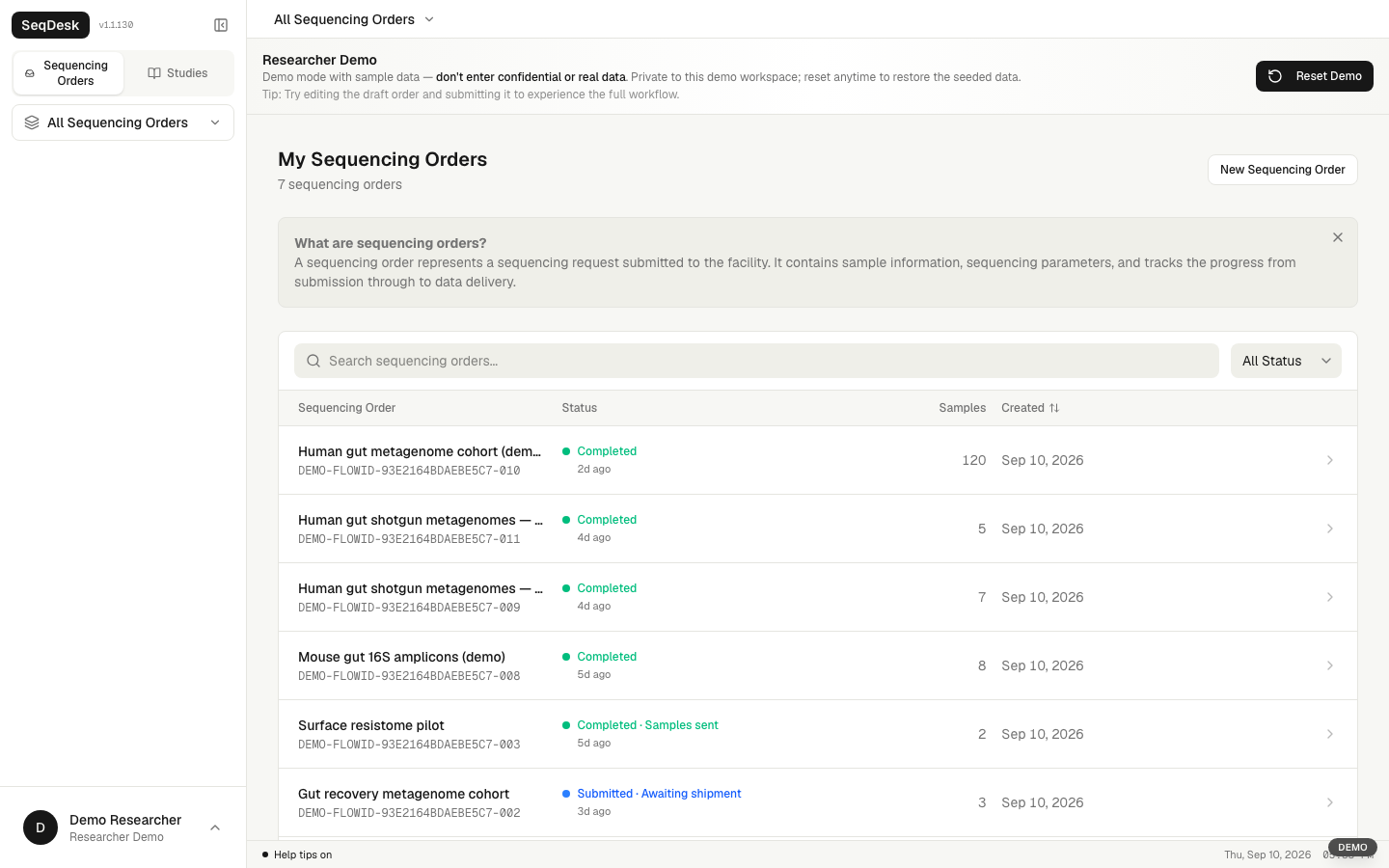
Open a real workspace with sample data. Explore the researcher view, then see the same work from the facility side.
03 / Nothing loses its context
Keep the information that makes a result useful: where it came from, how it was analysed, and what comes next.
01 / Context
Collect structured sample metadata and keep it with the study. Build on standards such as MIxS when preparing data for reuse.
02 / Analysis
Run packaged Nextflow pipelines, follow their progress and keep the outputs connected to the samples they came from.
03 / Sharing
Explain results through the canvas and report builder. Prepare sequencing data and metadata for submission to ENA.
Workflow illustrations · Explore the working application in the demo above.
A closer look at the system—from sequencing workflows to standards-compliant metadata and FAIR data submission.
 From the paper
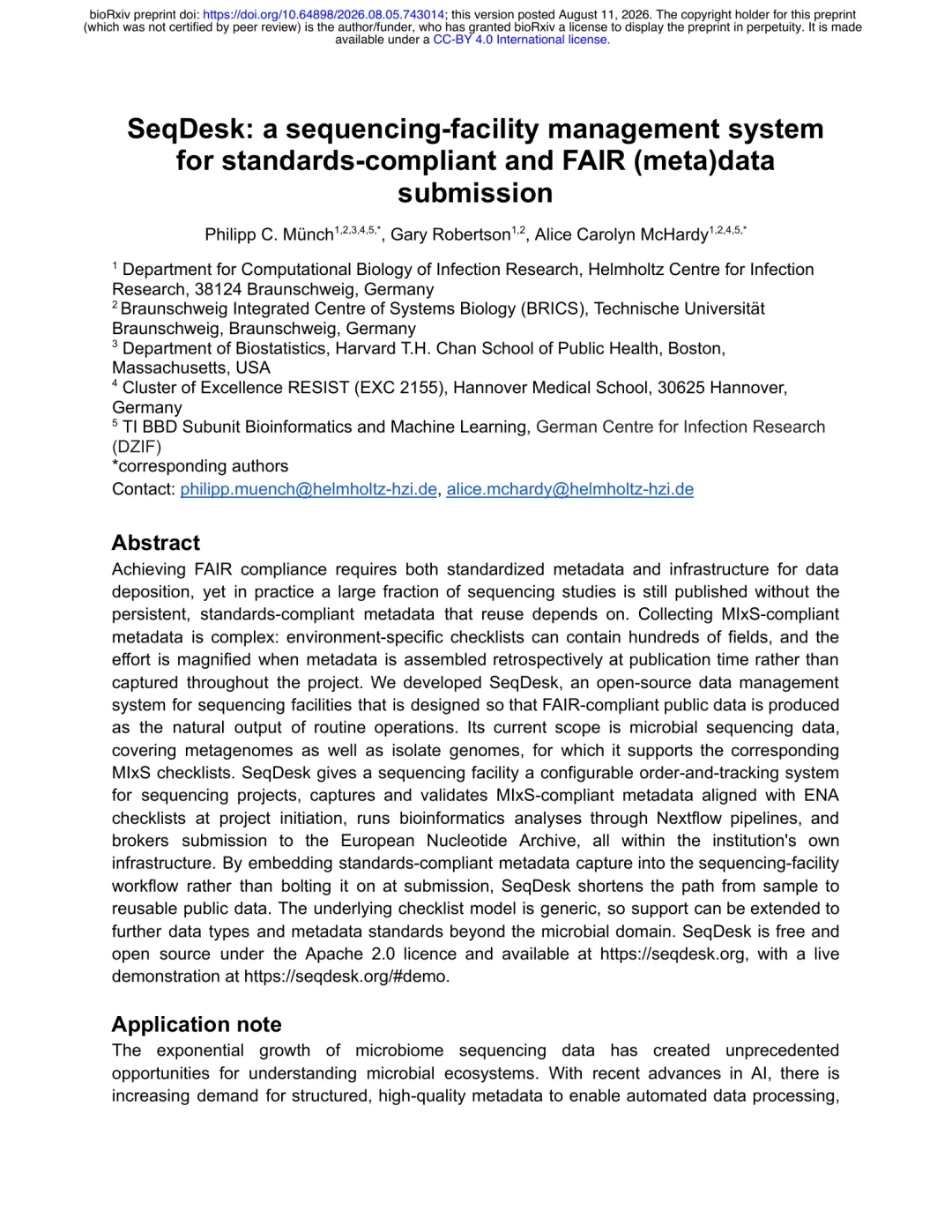
 Philipp C. Münch, Gary Robertson & Alice Carolyn McHardy
05 / Make sense of the results
Combine sample metadata, abundance profiles and read quality on the canvas. Follow the analysis into plots, comparison tables and a report that explains the results.
Drag cards, zoom in and open a table or analysis to explore.
Open full workspace ↗From the canvas
Bring the plots, tables and reasoning into one report. Edit the text, move a figure or add an output from the canvas above.
Rearrange the report and edit its text. Changes are shared with the canvas and saved in this browser.
Open report workspace ↗We set up Flow for your lab on your institution’s infrastructure. Together, we choose the workflows and configuration that fit your group.
Let’s set up your lab Start with a conversation about your team and infrastructure.Agree on the server, storage and access with your IT team.
Configure Flow and the pipelines your research needs.
Walk through the workspace together and plan the handover.
Runs on your infrastructure.
Shared with your team in the browser.
Prefer to install it yourself?
One command downloads the installer and opens an interactive setup. Choose your configuration, then add the pipelines you need.
Requirements & installation optionscurl -fsSLo /tmp/seqdesk-install.sh https://seqdesk.org/install.sh &&
bash /tmp/seqdesk-install.sh --interactive --dir "$HOME/seqdesk"The code is open. The releases are, too.
A few things to know
A place for your analysis, with a clear place in the SeqDesk family.
Lab brings together the everyday work of a research group: mail, tasks, projects, people and chat. Flow connects samples, metadata, analysis and reports. Choose the product for the work you need to do.
Explore LabYes. We can set up Flow on your institution’s infrastructure and configure it with your team. If you prefer to install it yourself, the guided installer, source code and releases are available too.
Explore setup optionsNo. Researchers and analysis teams can work with imported data, pipelines, the canvas and reports. Facilities can also enable sample intake and sequencing operations for their service workflows.
Combine text, tables, figures and analysis outputs. Import tabular files such as CSV, TSV and Excel, and keep original source files associated with the report. Share the finished work through a report link or an HTML export.